
Building Salana, and the part that eats all my time
Salana started as my own AI assistant on top of my second brain, one folder on one laptop. Turning it into something many people can use in the cloud is a different problem, and keeping one memory in sync everywhere is the hardest part. We've had several plans. Each ended in a U-turn.
I'm building Salana. It's my AI assistant, with a second brain at the bottom and an interface that looks a bit like Jarvis. Not to be cool (okay, maybe a little), but because it's efficient. It runs my companies' numbers every morning, writes drafts, keeps track of my tasks, and this week it edited my videos for me.
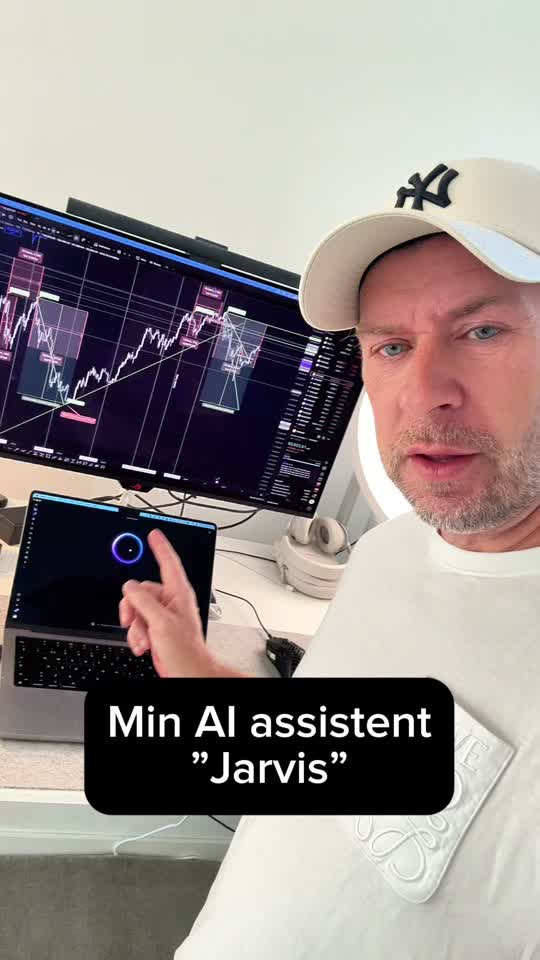
For a long time it was just for me. And as long as it's just for me, it's surprisingly simple.
One user is easy
My second brain is a folder of plain text files on my laptop, under version control. Every AI agent reads from it and writes to it. There is exactly one copy of the truth, on one machine, used by one person. If something goes wrong, I look at the history and roll back. That's it.
That simplicity is the reason it works. And it's exactly what disappears the moment you want more than one person, more than one device, or agents that keep working while your laptop is asleep.
Many users is a different product
Going from single user to cloud sounds like "put it on a server". It isn't. The questions change completely:
- Where does the memory actually live, when it's no longer a folder on my laptop?
- How does it show up as ordinary files on a Mac, so you can still open a note in any editor?
- How does an AI app like Claude or ChatGPT read and write the same memory, at the same time?
- How do agents in the cloud work on it while the Mac app is also editing it?
- What happens when two of them change the same note at the same moment?
- Who is allowed to see what, and how do you take access away again?
Every one of those is solvable on its own. The hard part is that they all touch the same thing: one memory that has to be the same everywhere, for every client and every agent, all the time.
The U-turns
I'll be honest about this, because I think it's the most useful part. We have had several plans for how the cloud version should work. Each one looked right on paper. Each one ended in a U-turn at some point.
We started with what I already had, the brain as a version-controlled folder, just hosted. Then a design with one machine holding the memory and a separate machine per user. Then a machine per memory for the automations. Then a shared network drive that every machine could mount. We looked at newer building blocks too, and rejected them. Each time we built enough to test it for real, and each time something showed up that only appears in practice: too slow with thousands of files, too fragile when two writers meet, too hard to keep data where we promise it stays.
At one point I copied 30,000 files into a cloud memory and watched them upload at about two and a half files per minute. That's the kind of thing you only learn by doing it.
None of that was wasted. Every U-turn removed a wrong answer, and the design we have now is simpler than any of the ones before it: the memory lives in one place in the cloud, and the same small sync piece keeps a normal folder in step on the Mac, inside every cloud agent and wherever else it's needed. AI apps connect directly to the same memory. One source of truth, many doors.
Why it takes all my time
Building the features people see, the chat, the pages, the voice, the agents, is the fun part, and with AI it goes fast. The sync is the opposite. It's invisible when it works and a disaster when it doesn't. A note that silently loses an edit, or an agent that works on yesterday's version, destroys the trust that makes a second brain worth having.
So right now that's where my hours go. Not on new buttons, but on making sure that when you, your phone, your Mac and three agents all touch your memory, they all see the same thing.
It's slower than I hoped. I think it's the right kind of slow.